You scanned a label
You scanned a Shuno label.
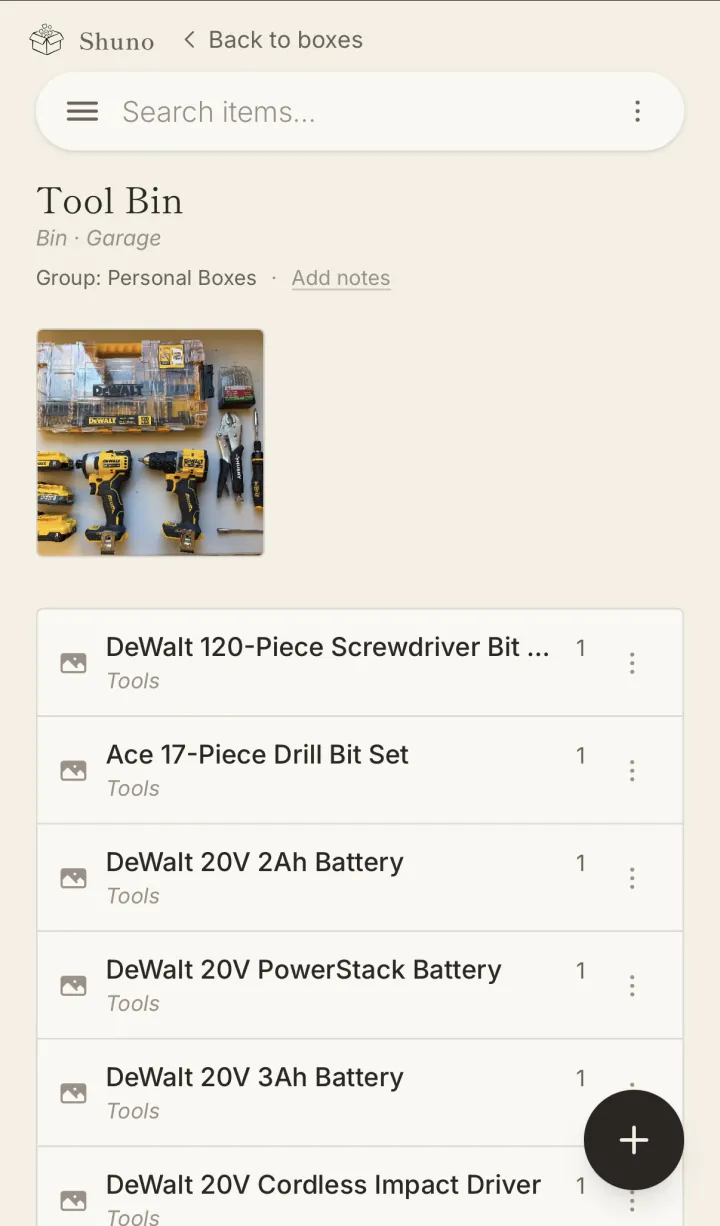
That QR code belongs to someone's Shuno account — a home inventory app for keeping track of what's in every bin, tote, and storage unit. Scanning a label normally opens a read-only view of what's inside, so whoever's holding the bin doesn't have to open it to find out.
If this label didn't open a bin, it's usually one of three things: the bin was deleted, its owner turned off no-login access for it, or it's a blank sticker nobody has assigned to a bin yet. The person whose label it is can tell you which — and if it's theirs and they're signed in, scanning it again will offer to set the bin up.